
Desk set-up for neck and shoulder pain: a ten-minute fix
Knees at or below the hips, lumbar support in the low back, elbows at 90 degrees by your sides, screen an arm away and below eye level, up every 50 minutes.
By The Renu lymphatic and massage team · 6 min read
A desk set-up that eases neck and shoulder pain follows the Canadian Centre for Occupational Health and Safety's sitting numbers: hips, knees and ankles at 90 degrees or slightly more, knees at or below the hips, feet flat, the chair's lumbar support in the curve of the low back, upper arms between vertical and 20 degrees forward with elbows at about 90 degrees close to the body, wrists straight, and the screen about an arm's length away with the top no higher than your eyes. Then the part that matters most: CCOHS says not to sit for more than 50 minutes at a time, and Canada's movement guidelines cap sedentary time at eight hours a day.
By mid-afternoon the neck is tight, the shoulders have crept up toward the ears and a headache is starting behind one eye. A massage will ease it; a desk that keeps reloading it will bring it back by Thursday. The fix takes ten minutes, a tape measure is optional, and every number below comes from the Canadian Centre for Occupational Health and Safety (CCOHS). Run the checklist once, then keep the timer.
Why the set-up matters more than the chair’s price
Shoulder and neck muscles are posture muscles: they hold the head and arms wherever the desk puts them, for as long as you sit. CCOHS’s sitting guidance is a list of joint angles for that reason, and its one sentence on duration, do not sit for more than 50 minutes at a time, is the sentence most people have never read. Canada’s 24-Hour Movement Guidelines put the ceiling for the whole day at eight hours of sedentary time, with no more than three hours of recreational screen time and long periods of sitting broken up as often as possible. A perfect chair occupied for ten unbroken hours still hurts.
The ten-minute checklist
Work from the floor up. The angles are CCOHS’s; the order is ours.
1. Chair height (two minutes)
CCOHS’s chair-adjustment sequence: stand in front of the chair and set the height so the highest point of the seat is just below the kneecap, then sit with your feet flat on the floor. Check that the gap between the front edge of the seat and your calves fits a clenched fist, about 5 cm. The sitting guidance adds the goals: hips, knees and ankles at 90 degrees or slightly more, knees at or below the hips, ankles in front of the knees, and a three-finger gap between the back of the knee and the seat edge. If your feet dangle, use a footrest; if the desk is too high to allow this, the keyboard, not the chair, is the problem.
2. Backrest and lumbar support (one minute)
Adjust the backrest forward, back, up and down until it fits the hollow of your lower back (CCOHS). The sitting guidance says the lumbar support belongs in the curve of the low back, with the upper body straight, not twisted, and upright. Tilt the seat itself if you prefer.
3. Armrests (one minute)
Sit upright with your arms hanging loosely by your sides, bend the elbows to about 90 degrees, and raise the armrests until they barely touch the undersides of the elbows (CCOHS). Barely is the word: armrests that lift the elbows lift the shoulders, and the muscle across the top of the shoulder holds that position all day.
4. Keyboard and mouse (two minutes)
CCOHS’s targets for the arms: upper arms between vertical and 20 degrees forward, elbows at about 90 degrees and close to the body, wrists straight and aligned with the forearms. Bring the keyboard close enough that the elbows stay beside you, and the mouse beside the keyboard so the arm does not reach out and up for it.
5. Monitor (two minutes)
Place the screen about an arm’s length away, with the top of the screen no higher than your eyes; CCOHS suggests the monitor sit at about 15 degrees below the horizontal line of sight, within a broader 10 to 30 degrees below the line of sight for whatever you are looking at. It states that discomfort from a monitor that is too high is worse than from one slightly too low. If you wear bifocals, trifocals or progressive lenses, the top of the monitor slightly below eye level is usually more comfortable. Two monitors go at the same height, both an arm’s length away. A laptop on its own fails this test; it needs a stand and a separate keyboard, or a monitor.
6. The timer (two minutes to set, forever to keep)
Set a 50-minute reminder (CCOHS) and stand up when it goes. Change position often within the recommended ranges in between: CCOHS’s exact instruction is to change positions frequently but remain within those ranges. For the day as a whole, CSEP asks for several hours of light physical activity including standing, at least 150 minutes a week of moderate to vigorous activity, muscle strengthening twice a week and seven to nine hours of sleep with consistent bed and wake times, all of which take load off a neck in ways a chair cannot.
The numbers in one place
| Checkpoint | CCOHS figure |
|---|---|
| Hips, knees, ankles | 90 degrees or slightly more |
| Knees | At or below the hips; ankles in front of the knees |
| Seat edge to calf | A clenched fist, about 5 cm; three fingers behind the knee |
| Seat height | Highest point just below the kneecap, feet flat |
| Lumbar support | In the curve of the lower back |
| Upper arms | Vertical to 20 degrees forward; elbows about 90 degrees, close to the body |
| Armrests | Barely touching the undersides of the elbows |
| Wrists | Straight, aligned with the forearms |
| Screen distance | About an arm’s length |
| Screen height | Top no higher than the eyes; about 15 degrees below horizontal |
| Sitting time | No more than 50 minutes at a stretch |
What the set-up does not fix
A workstation changes the load from now on. It does not undo months of shortened muscle, and it does not touch the neck that is sore because of a pillow or a phone. The NHS adds the home half: sleep with the head level with the body on a low, firm pillow, do not sleep on your front, and avoid holding the neck in one position for long stretches at a desk. For the muscle half, the Chartered Society of Physiotherapy’s neck exercises (a chin nod and side bends) are the ones we hand out; our desk stretches page walks through them. The CSP’s two cautions apply: seek advice from a physiotherapist or healthcare professional before starting a new exercise regime, and if any exercise worsens your pain, seek urgent medical advice.
When neck pain needs assessment rather than a new chair
The NHS says most neck pain improves within a few weeks with self-care. See a GP if the pain does not improve after several weeks, if painkillers are not helping, or if you are worried. The NHS flags pins and needles or a cold arm as signs it could be something more serious, so arm symptoms that travel below the shoulder, numbness or weakness in a hand, or neck pain that started with an injury or accident are reasons to be assessed first and adjust the desk second. Our neck pain page describes the patterns a clinician will be sorting between.
Where treatment fits
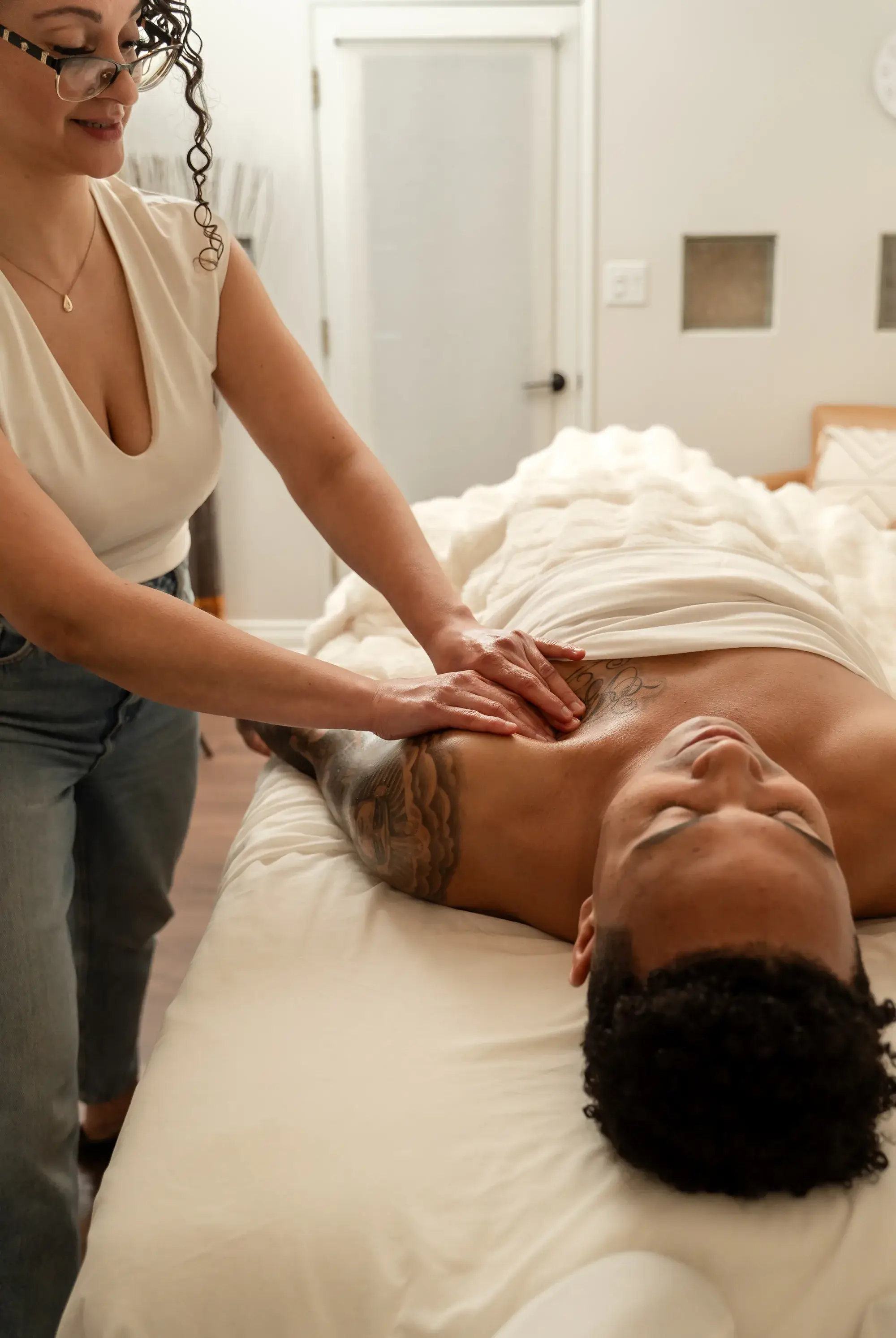
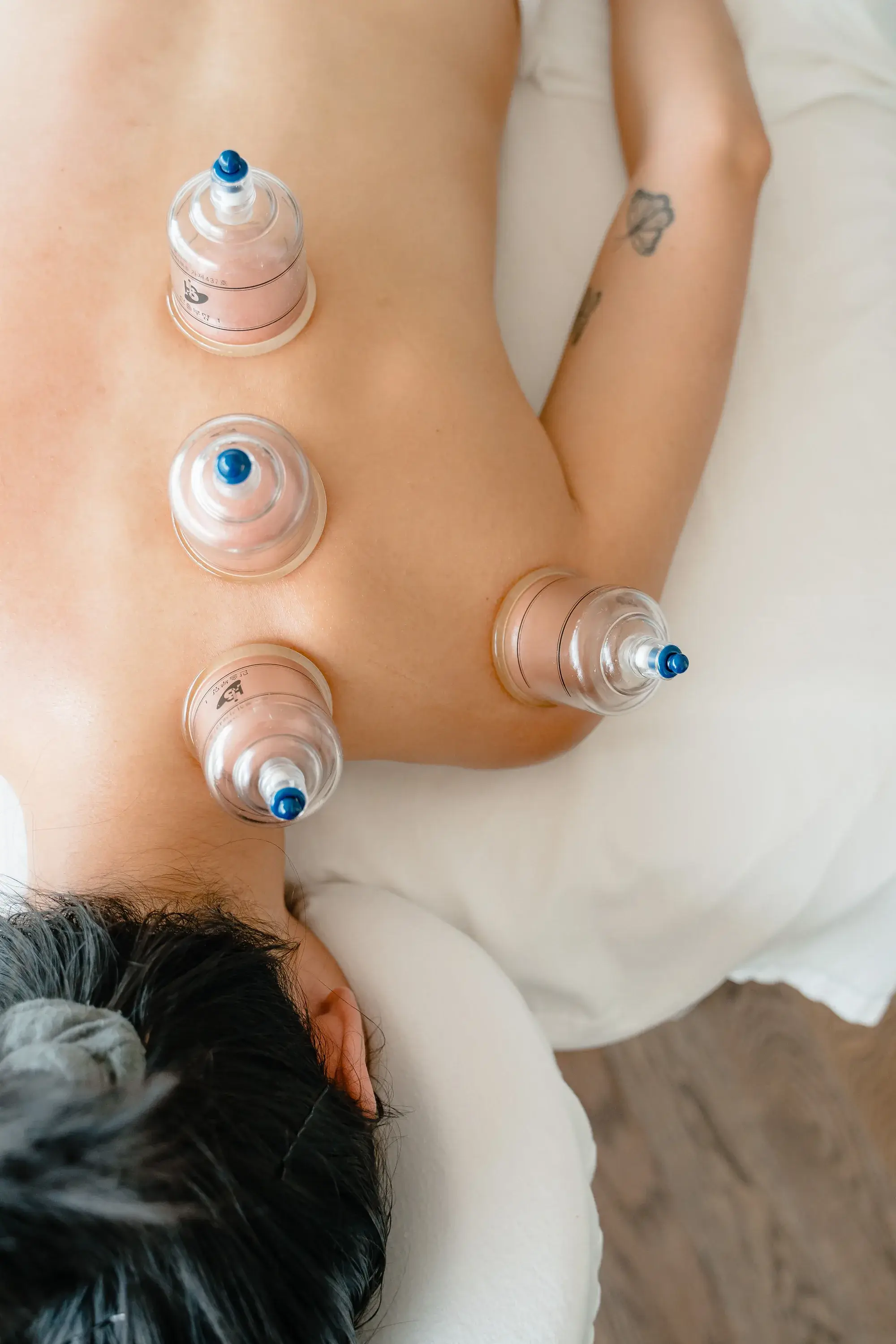
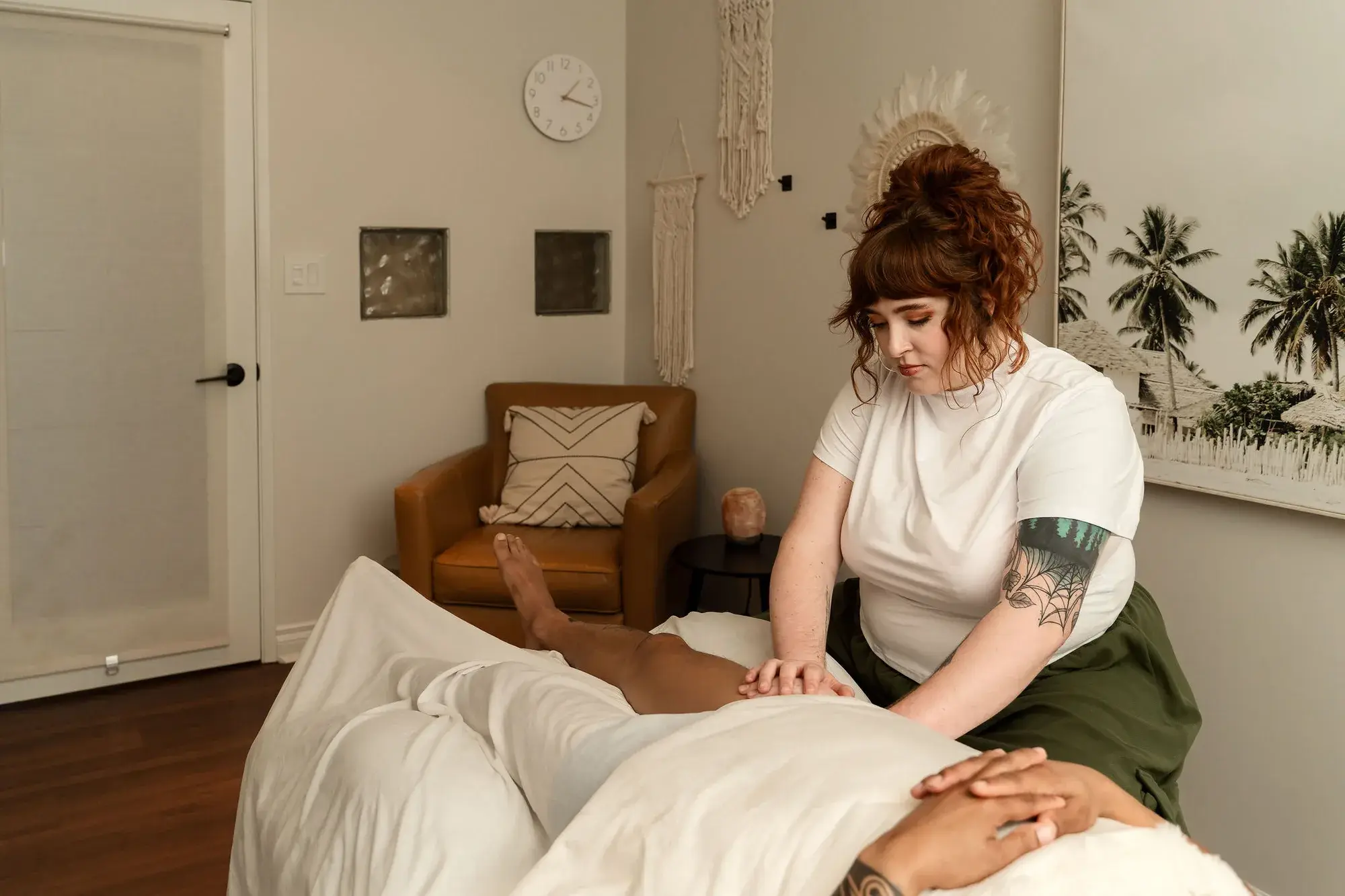
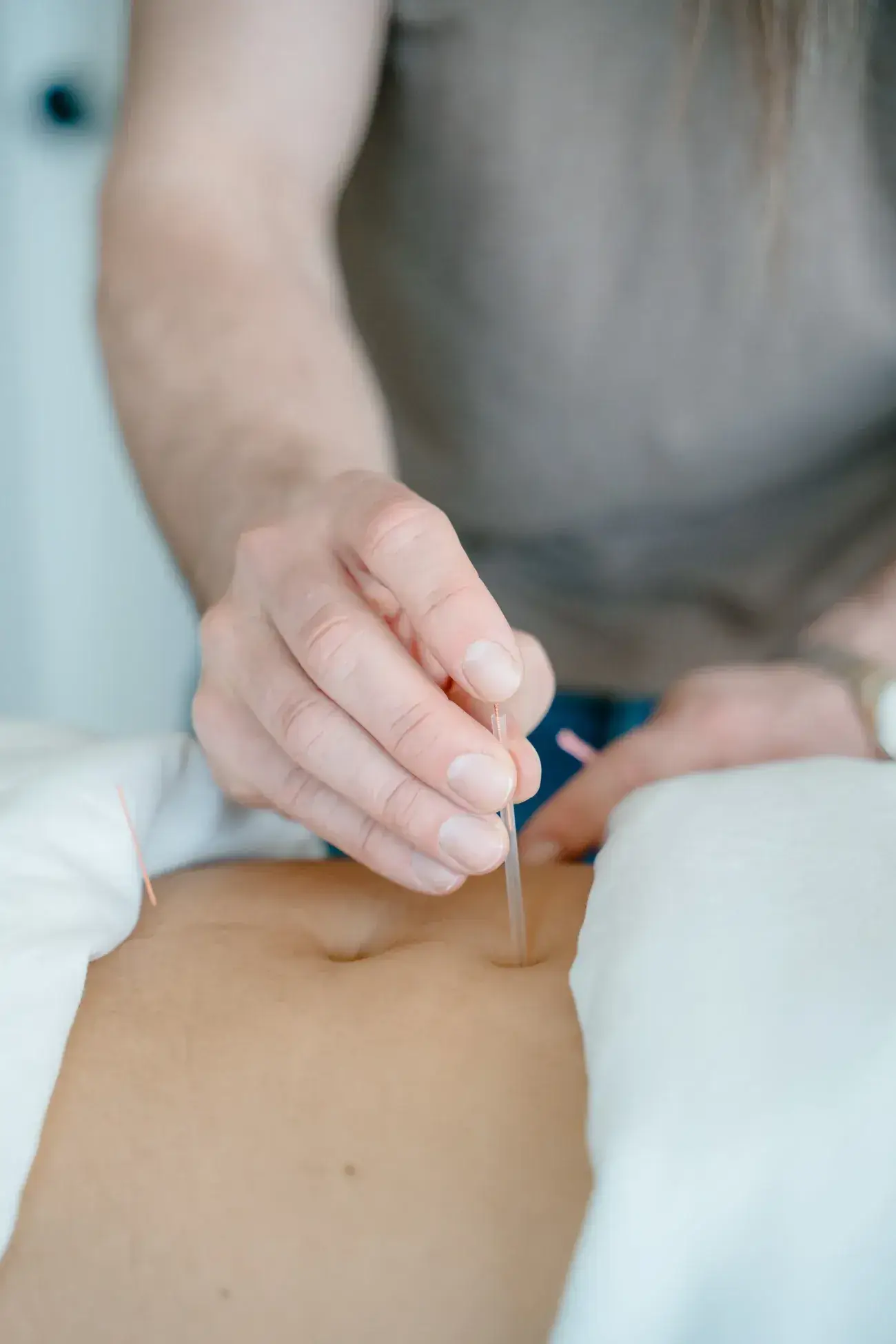
When the desk is right and the neck still aches, the muscles have a backlog to clear. Massage therapy at Renu works the upper trapezius, levator scapulae and the suboccipital muscles under the skull that take the strain of a forward head; myofascial cupping lifts the tissue across the top of the shoulders that pressure alone cannot reach; Monica Von Gaza’s RAPID NeuroFascial Reset is the active, movement-based option; and acupuncture with Dr. Will Tanner suits the person whose tension never fully lets go. Tell your therapist what the checklist found. The monitor height and the armrests are usually where the story is.
Questions people ask
How high should my monitor be?
CCOHS says the top of the screen should not be higher than your eyes, and that the monitor should sit at about 15 degrees below the horizontal line of sight, about an arm's length away. It adds that a monitor that is too high causes worse discomfort than one slightly too low, and that people who wear bifocals or progressive lenses may prefer the top of the screen slightly below eye level.
How often should I get up from my desk?
CCOHS says not to sit for more than 50 minutes at a time, and to change positions frequently within the recommended ranges. The Canadian 24-Hour Movement Guidelines ask adults to break up long periods of sitting as often as possible, limit sedentary time to eight hours or less, and build in several hours of light activity, including standing.
Where should the armrests be?
Just touching. CCOHS's chair-adjustment sequence is to sit upright with your arms hanging loosely, bend the elbows to about 90 degrees and raise the armrests until they barely touch the undersides of the elbows. Armrests that push the shoulders up are a common source of the ache across the top of the shoulders.
Can a better chair fix my neck pain on its own?
It helps with the load, not the history. The NHS says most neck pain gets better in a few weeks with self-care such as heat, a low firm pillow and neck flexibility exercises, and that keeping the neck moving beats a collar. If the pain comes with pins and needles or a cold arm, the NHS wants a GP to see it rather than a new chair.
Sources
- Canadian Centre for Occupational Health and Safety: Working in a sitting position, good body position
- Canadian Centre for Occupational Health and Safety: Office ergonomics, positioning the monitor
- Canadian Centre for Occupational Health and Safety: Office ergonomics, adjusting the chair
- Canadian Society for Exercise Physiology: Canadian 24-Hour Movement Guidelines for adults aged 18 to 64
- Chartered Society of Physiotherapy: Neck pain exercises
- NHS: Neck pain and stiff neck
Page reviewed October 4, 2026. This page is education, not a diagnosis. For your own situation, talk to your doctor, surgeon or care team, or ask us.
Keep reading
Related pages